Design template system
Date
2025
Company
Contentsquare
Context
Contentsquare's marketing and content team was building every banner from scratch, no shared starting point, no consistency, and a constant drain on design time for work that should have been routine.
My Role
I owned the end-to-end design of the system, from identifying the workflow problem to building the Figma component architecture and rolling it out to the team and stakeholders.
The Challenge
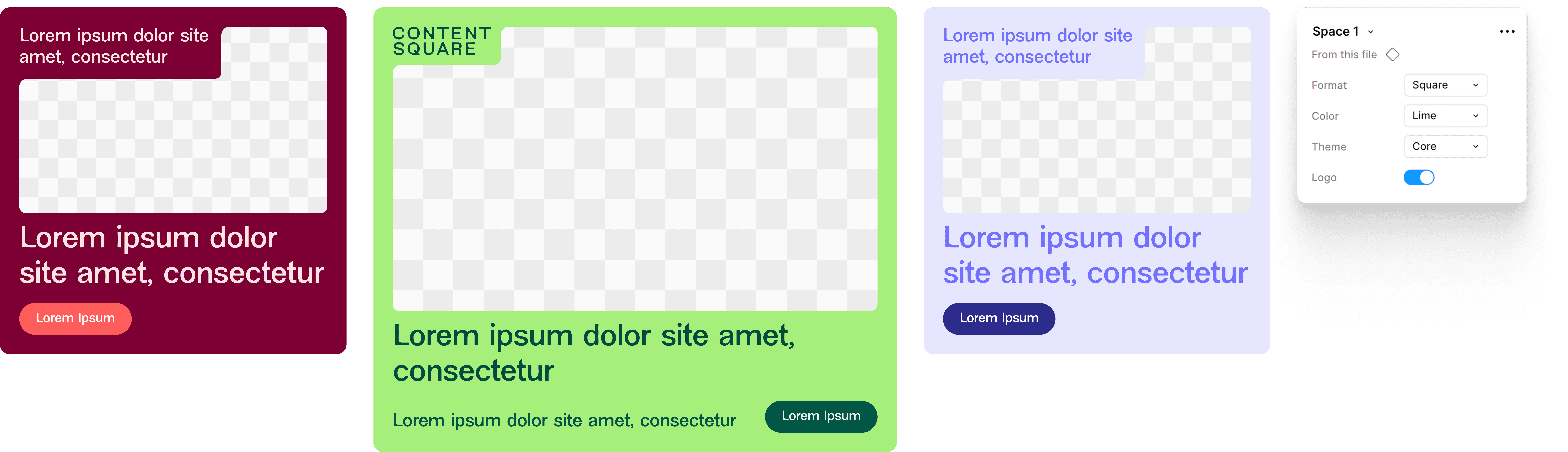
Every new banner request meant starting from a blank canvas. With three brand colours across three shades and multiple format requirements, the permutations were endless, but the process was always the same. The team needed a system that enforced consistency without slowing people down, and that non-designers could actually use without guidance.
Round 1
Mapping the problem
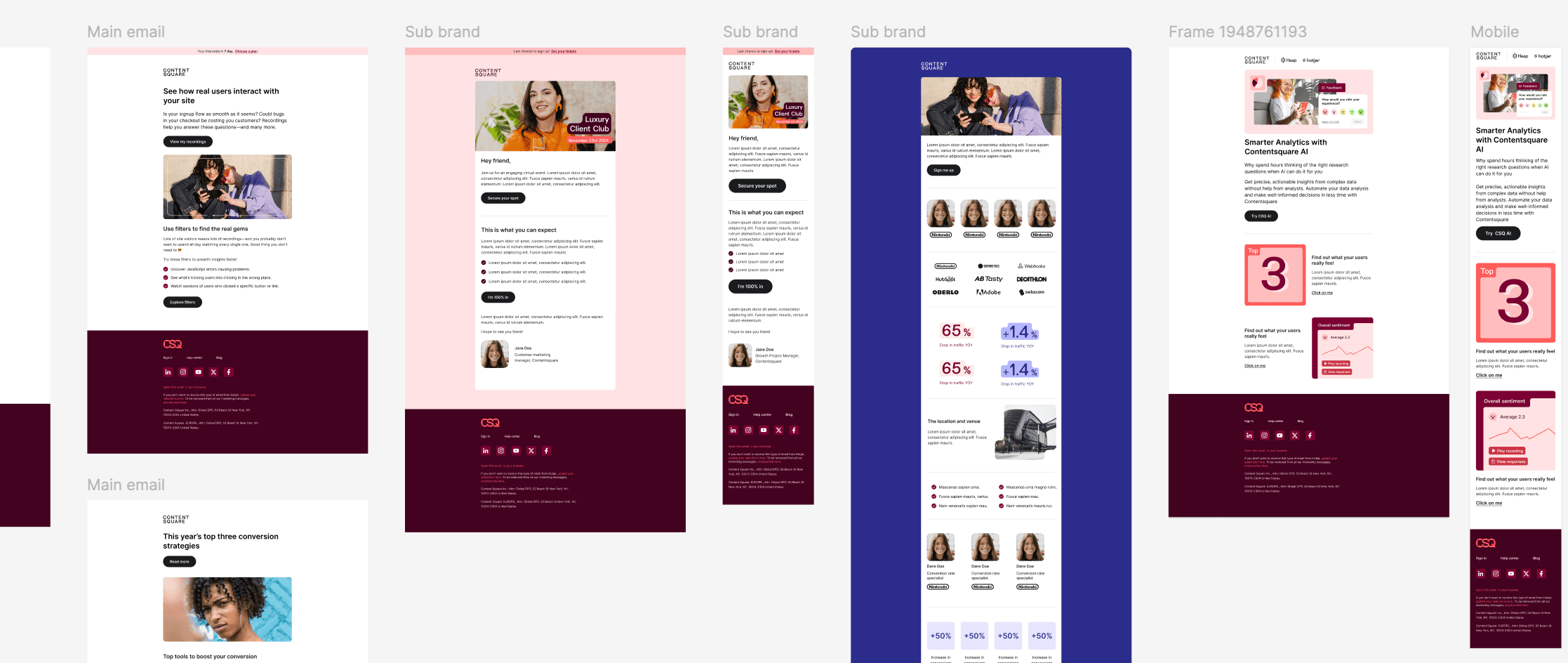
Before opening Figma, I audited existing banners to find what was really being repeated. Size, ratio, logo placement, and colour were the four variables that changed almost every time — everything else stayed the same. That audit became the skeleton of the component.
Round 2
Component architecture
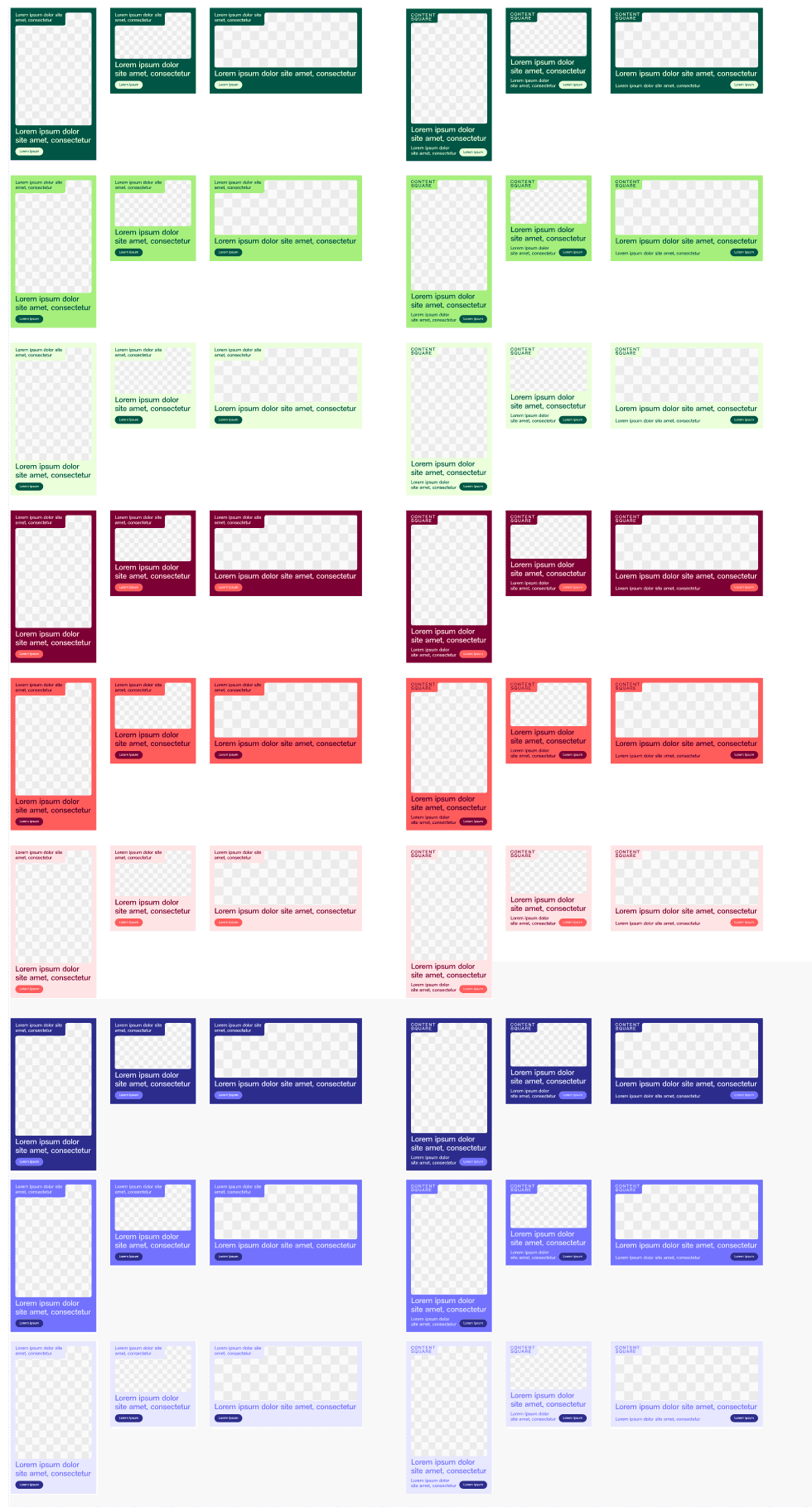
I built the template using Auto Layout for size and ratio flexibility, and Variants to expose colour and logo toggle options as simple controls. The goal was to make every meaningful variation reachable from a single component, no duplicating frames, no manually resizing.
Round 3
Logo toggle and brand variants
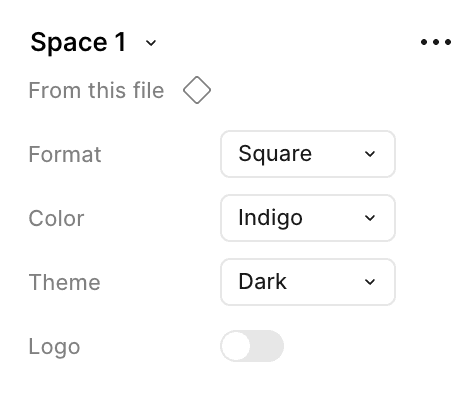
Adding a show/hide logo toggle via a boolean property was the detail that unlocked stakeholder adoption. It removed the one step that always needed a designer's hand. Combined with 3 colours × 3 shades, a single template generates 9 visually distinct banners without touching the layout.




Impact
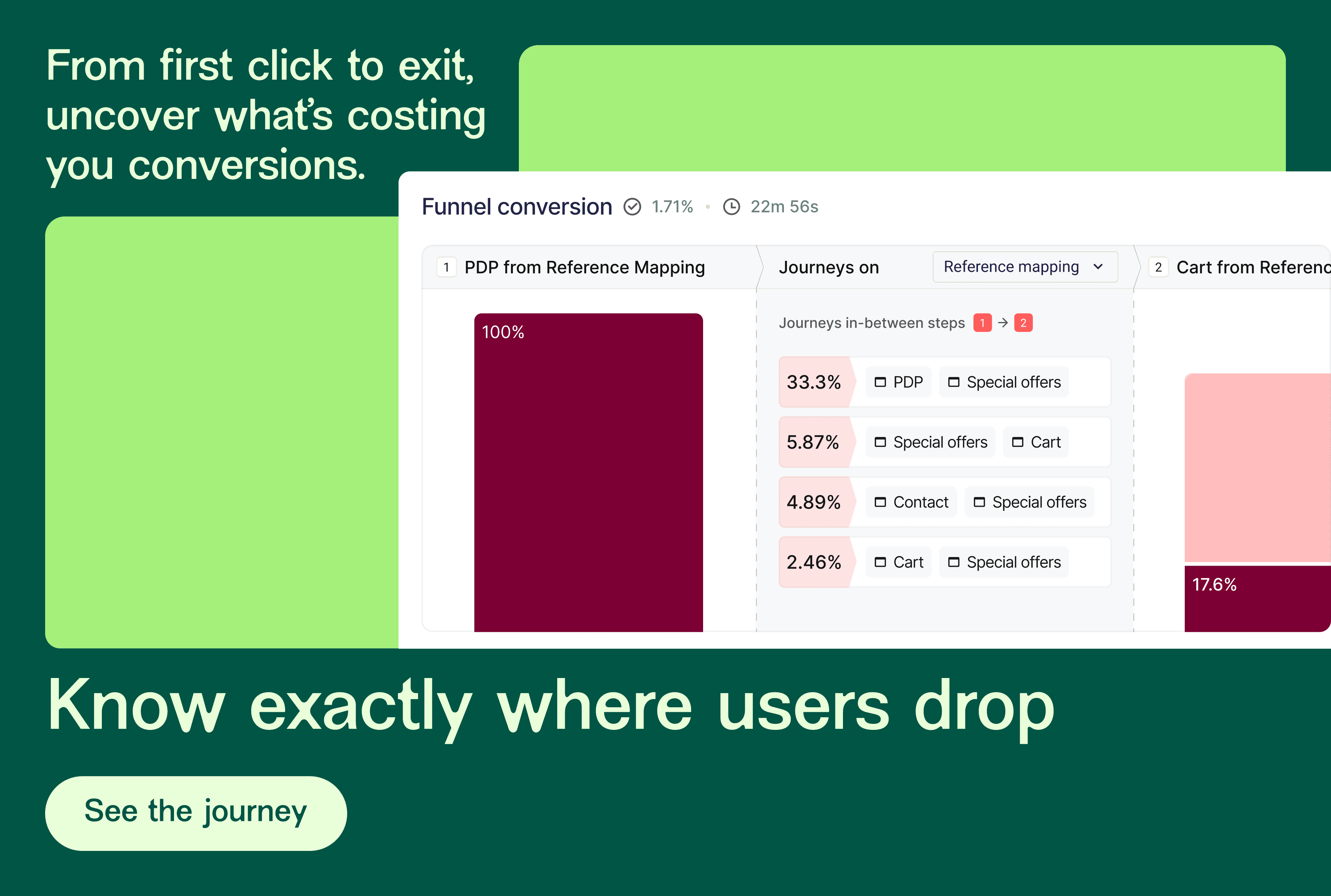
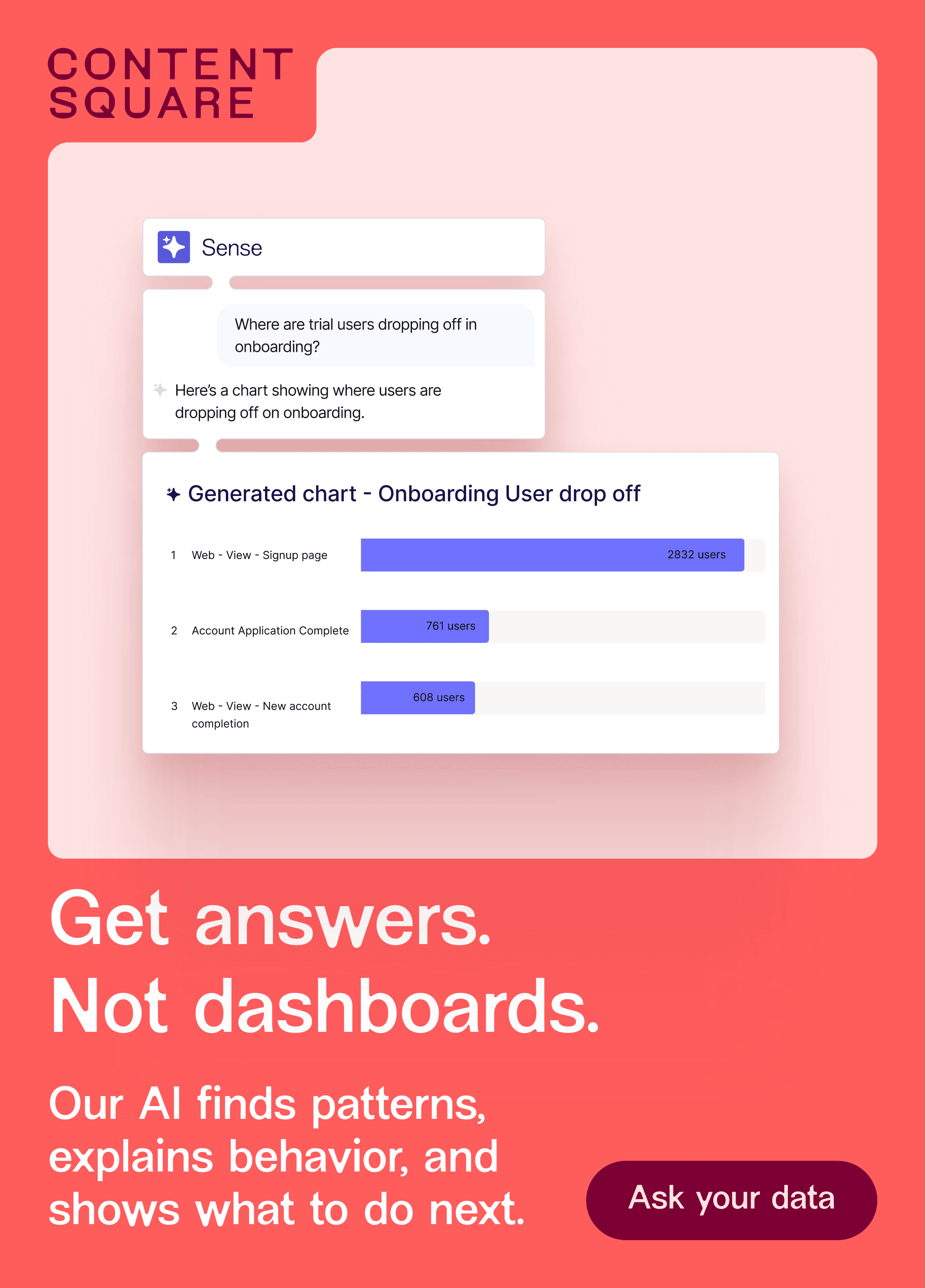
Banner production time dropped dramatically. Stakeholders adopted Figma independently and began exporting assets without design intervention, a first for the team. From one template, the system produces 9 distinct on-brand variants, scaling output without scaling headcount.